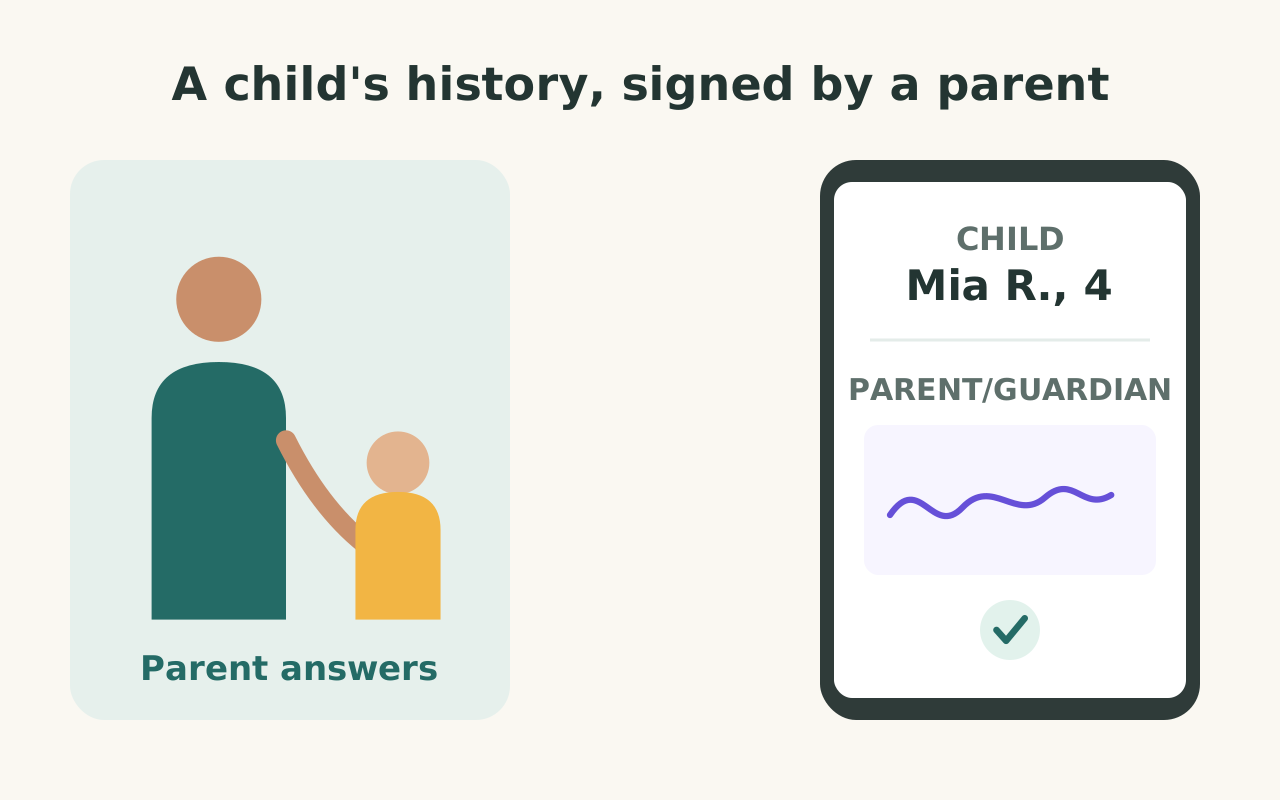
Empêchez la paperasse familiale d'envahir l'accueil. Envoyez aux parents un lien d'admission prérempli, recueillez les antécédents et les cartes d'assurance avant l'arrivée et prévenez votre équipe quand le formulaire est envoyé pour que le personnel se concentre sur les familles qui arrivent.
Des antécédents remplis à la maison, pas à l'accueil
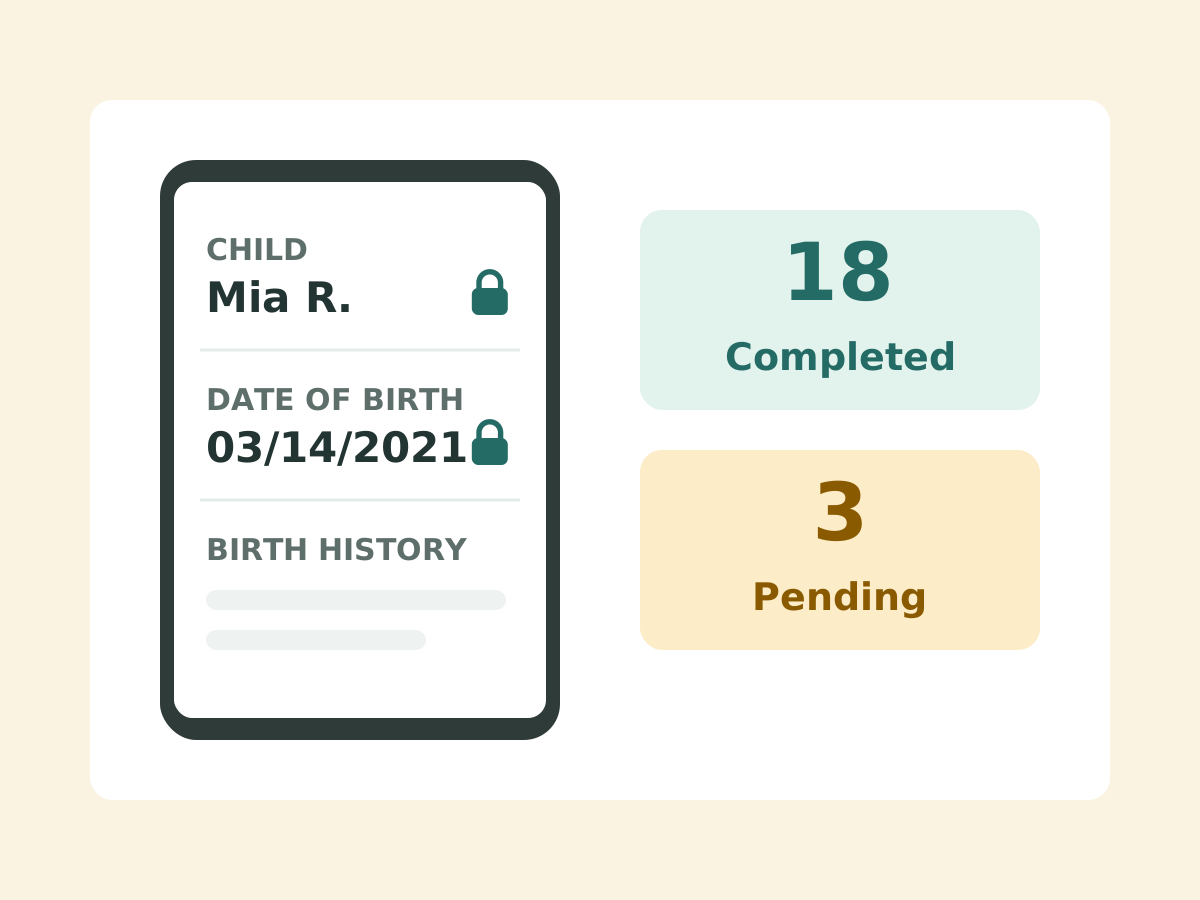
Les parents qui sautent les formulaires finissent par écrire les antécédents de naissance à l'accueil avec un enfant agité. Envoyez à chaque famille un lien prérempli, puis voyez qui est encore en attente.
Ajoutez le second parent comme signataire
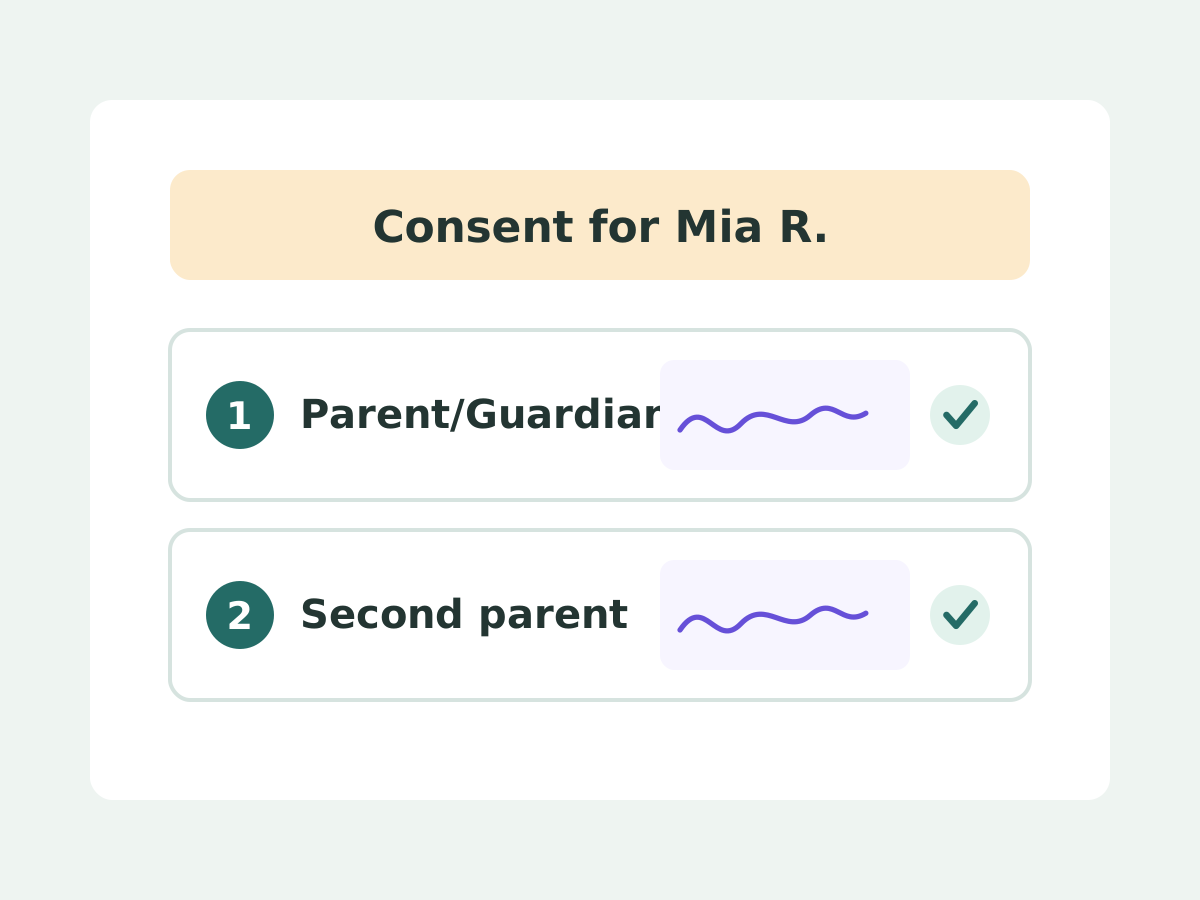
Quand des parents divorcés partagent l'autorité parentale, certains cabinets ont besoin du consentement des deux avant de commencer le traitement. Ajoutez le second parent comme signataire supplémentaire avant l'envoi du formulaire.
Vérifiez la couverture avant la visite
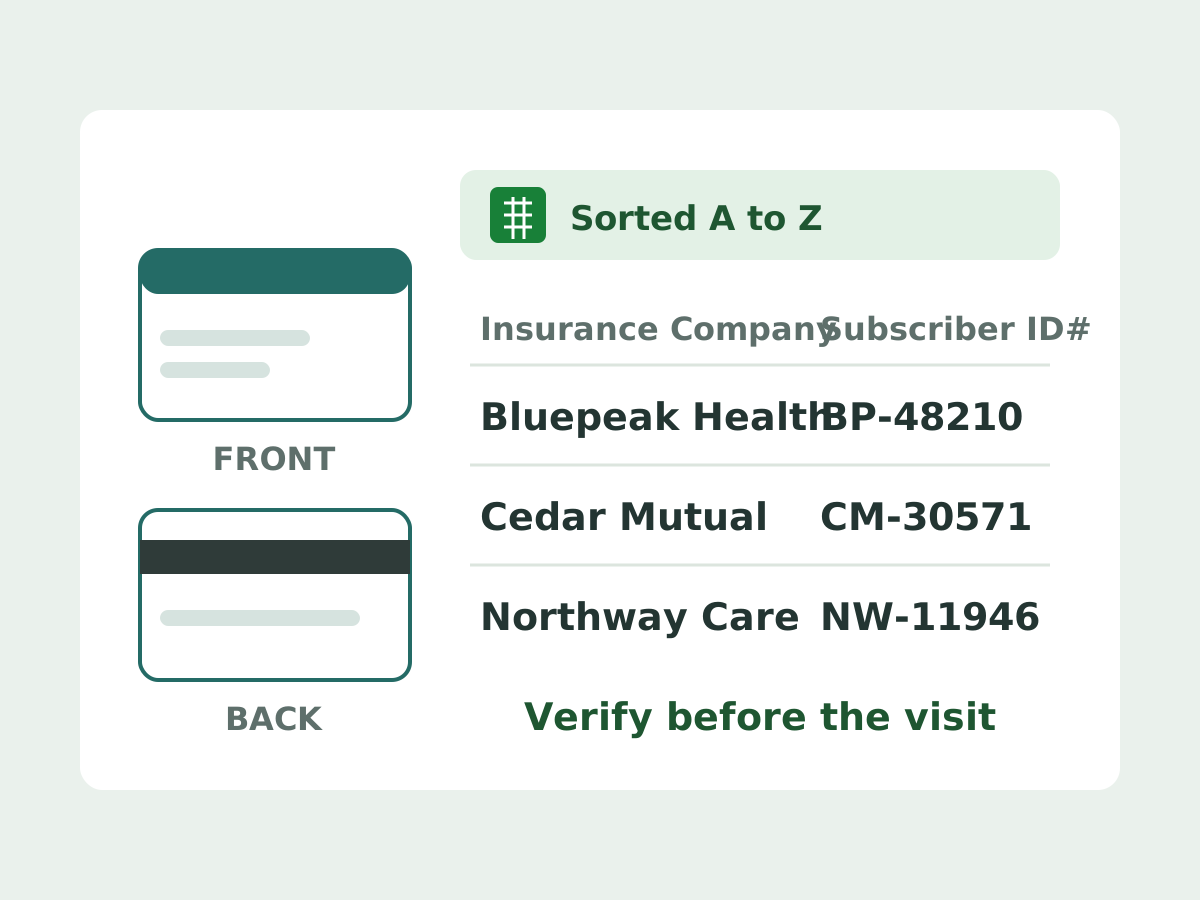
L'accueil perd du temps à recopier les cartes d'assurance. Les parents envoient le recto et le verso de la carte, puis triez la feuille par Insurance Company pour vérifier chaque Subscriber ID à l'avance.
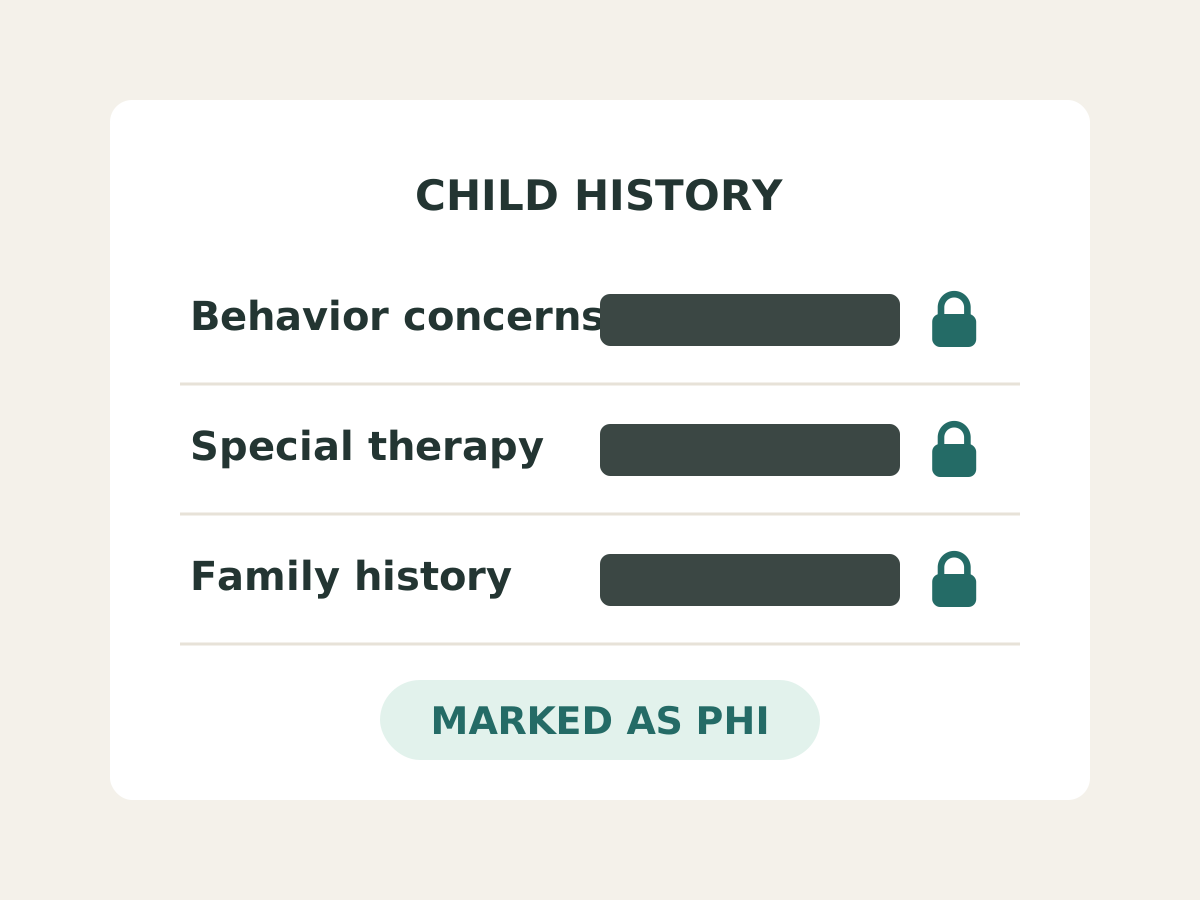
Gardez les réponses sur le comportement hors des boîtes mail
Les e-mails de notification peuvent diffuser le comportement et les antécédents familiaux d'un enfant dans les boîtes mail de l'équipe. Marquez ces champs comme PHI pour que les e-mails les masquent et que les exports limitent l'accès.
Adaptez ce formulaire à vos besoins
Choisissez un point de départ, puis décrivez les modifications dont vous avez besoin.
Personnaliser dans ou
Personnaliser dans ChatGPT Work
- Copiez cette ligne.
Personnalise ce formulaire pour mon cas d'usage : - Ouvrez l'application ChatGPT Desktop, choisissez Work en haut, collez la ligne dans la zone de message et envoyez.
- Répondez aux questions que ChatGPT vous pose. Il crée votre formulaire et ouvre l'aperçu.
Personnaliser dans Codex
- Copiez cette ligne.
Personnalise ce formulaire pour mon cas d'usage : - Ouvrez l'application ChatGPT Desktop, cliquez sur ChatGPT en haut à gauche, choisissez Codex, collez la ligne dans la zone de message et envoyez.
- Répondez aux questions que Codex vous pose. Il crée votre formulaire et ouvre l'aperçu.
Ces avis sont reproduits sans modification depuis Google Workspace Marketplace.
April 5, 2026
I decided to use Formesign to help me leverage HIPAA-compliant forms for my practice website. What attracted me to use them was the design/flow of the product and the price point. I had done a good bit of research on what was out there, and as someone with a small business, I wanted to get the best bang for my buck. So far, I have been incredibly pleased with the product and how I have been able to integrate my forms into my website. Customer support and setup has been great. I have zero complaints at this time and would absolutely recommend going with Formesign if you may be in a similar situation to my own (small private practice in need of HIPAA compliant forms with a pleasing interface).
— Griffin Chapple
April 22, 2026
We chose Formesign to create and collect information for incoming requests for our services. We needed to capture details of client requests and get their signatures to communicate further and provide support. The product is very adaptable, but requires a fair amount of support for a client like me who isn't tech savvy. Vipin has been extremely helpful in getting us more knowledgeable with this product. We're still learning, and appreciate the tech support we continue to receive.
— Karen Newberry
March 17, 2026
We are currently using Formesign for a non-profit academic research project on Chinese language teaching at the University of Queensland. We chose Formesign because it integrates smoothly with Google Forms and makes it easy to manage consent forms and research documentation within the same workflow. The features we found most valuable are the simple e-signature process, seamless Google Workspace integration, and ease of use for participants. This has made it much easier for us to collect and manage signed documents during our questionnaire survey process. So far our experience with the add-on has been very positive. It is straightforward to set up, reliable, and works well within the Google ecosystem, which is essential for academic research teams that rely heavily on Google tools. Overall, Formesign has been a practical and efficient solution for our research data collection process.
— Yao Li
February 25, 2026
Formesign Formesign had a truly transformative impact on my operations. The forms, signature process, and overall system they delivered are flawless. Everything works together intuitively, creating a level of efficiency and professionalism that has significantly elevated my business operations. Beyond the technical excellence of their work, what truly sets them apart is their commitment to customer service. Their one-on-one support was exceptional—courteous, responsive, and consistently focused on understanding and meeting my specific business needs. Vipin was my contact person. He was always available, patient, and thorough, ensuring that every detail was perfectly coordinated. I highly recommend Formesign to any organization looking to improve efficiency, accuracy, and workflow through customized systems. Their expertise, combined with their dedication to client satisfaction, makes them an outstanding partner.
— Mike Balducci
March 6, 2026
This product is exactly what we were looking for. It builds on a familiar tool (Google Forms), integrates seamlessly with the Google products, and adds much needs features for managing signed documents. We had tried using Adobe Acrobat forms tool and found it to be really lacking in features, especially the need for readable responsive design for mobile devices. While there is a learning curve, it is well worth it, and the personalized, live support is exceptional in an age where you normally have to play 20 questions with a chatbot. I worked with Vipin via Google Meet and screen sharing, and he was exceptionally helpful and patient and even provided additional tips on improving the appearance of the form I had designed. Bottom line - very pleased!
— Monty Morée
May 4, 2026
We are using Formesign for two of our signature workflows. We had assistance throughout the implementation process that surpassed our expectations. Formesign signature workflow now makes sure we get employee performance reviews and warning documentation forms signed by team member and their manager and allows for a supervisor approval along the way.
— Matt West
November 1, 2025
I chose Formesign because I needed a solution to link forms with signature capabilities. We are in the home service business and have a very large fleet of field operators. Formesign ability to link forms and gather signatures has removed the intense manual collection of this process out of our operation. Specifically, Vipin on the support side of Formesign has been valuable in advising on flow and making sure the process is lean. Formesign is...plug and play. Thank you!
— Jason Crossen
May 30, 2025
Besides the fact that one gets billed $216 monthly, Support took a long time to try and get things to work. Trying to get things signed on a form was such an issue and through out formatting. Way over priced, support that you have to wait till the next day to get one thing sorted and not sorted, back and forth the whole time. Frustrating customers and damage to business. I will not reccommend this company to anyone. Try JotForms so much better, and you can do much more for a fraction of the cost per year not per month.
— Francois Ohsiek
September 11, 2025
The platform is good but promises one week of premium usage based on which I chose it. Once my form was sent out to participants, it capped the responses at 24 and I was forced to pay 36 USD to keep the form active. Really disappointed by the lack of clarity and the overly tight response numbers for each tier of the plan considering how nice the platform could be.
— Nishka Khendry
July 23, 2023
I am not tech savvy. I chose formesign to help create registration links for clients. Vipid has been great in assisting me. He goes above and beyond. My company now has moved from the stone age to modern age through the ability to use this feature. Of the many features I am impressed with, the ability to update a form without needing to regenerate a link is amazing. I often make mistakes and that ability allows me to fix mistakes without needing to change everything. Thank you!!!
— Sol Evans