如何為 Google Forms建立安全的預填連結?
"預填 Google Forms 資料的安全性"- Google Docs Editors Community
慈善團體預填靜修活動報名表,或企業寄送續約表單時,都會把對方的個人資料放進連結。Google Forms 的預填連結會把每個值都放在網址中,任何看到連結的人都能讀到。而且回應回來時,您還得知道哪份是誰的。使用 Formfacade,連結只帶有您選擇的名稱,例如 renewal-0417,對方開啟連結時才會填入詳細資料。每個人都會在表單上看到自己的資料,連結中卻完全沒有。您可以將回應連同預填的資料同步到 Google Sheets,清楚知道每份回應是誰送出的。
現在就開始。建立您的表單,然後依照下列步驟操作。
如何建立安全的預填連結?
- 在開啟的頁面中為表單命名,點選 Create form,再點選 Proceed。
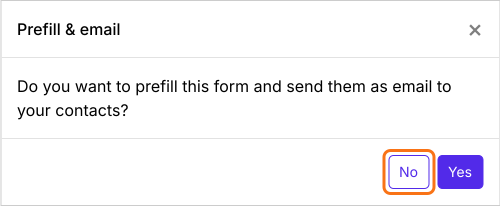
- 在詢問「Do you want to prefill this form and send them as email to your contacts?」的 Prefill & email 對話框中,點選 No。
- 點選 Share 分頁

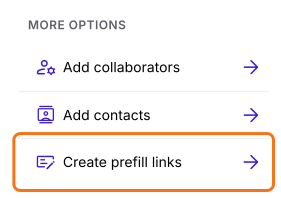
- 在 More options 下,點選 Create prefill links
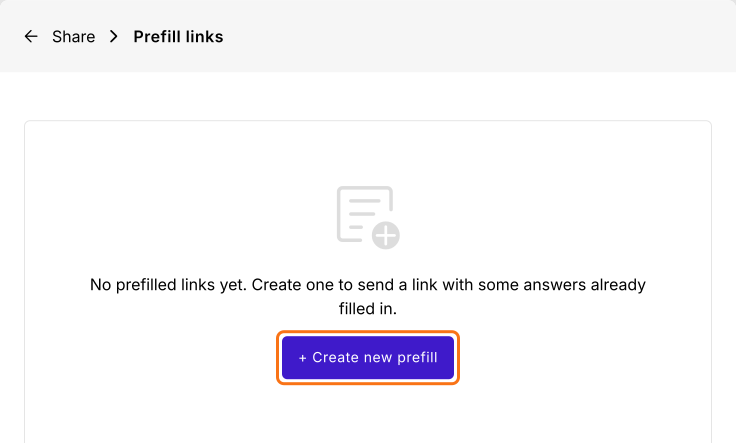
- 點選 + Create new prefill
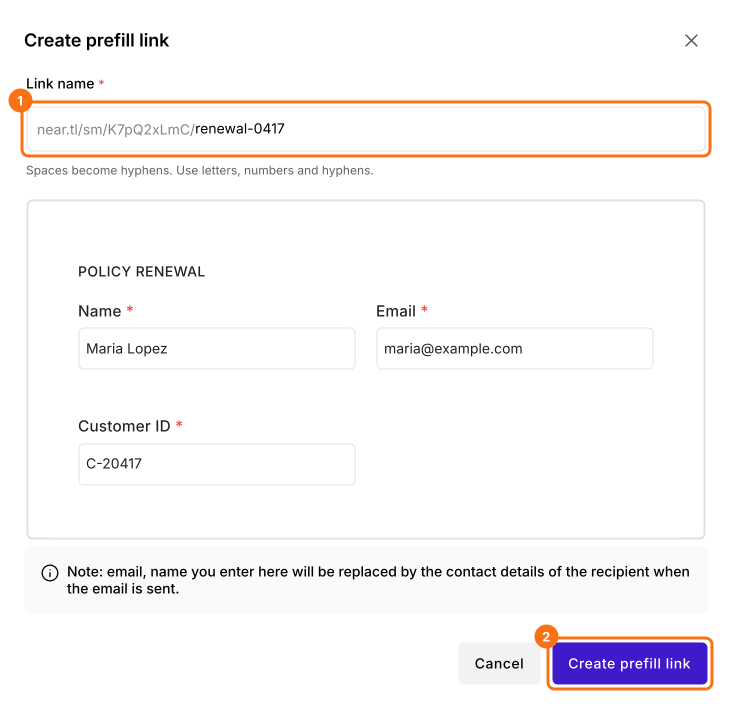
- 為連結輸入一個獨特的名稱
- 填入要預填的答案
- 點選 Create prefill link
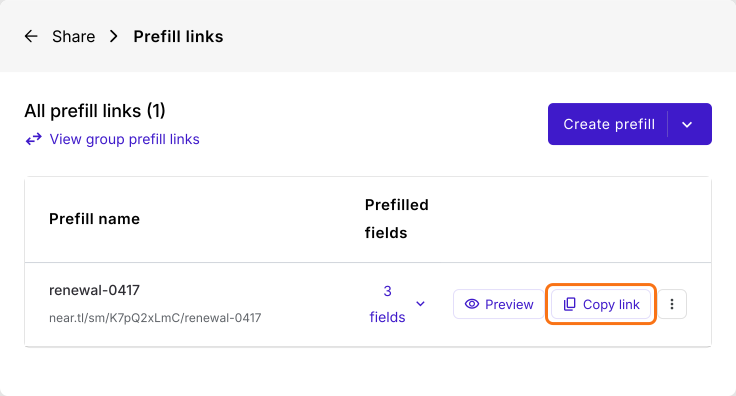
點選 Copy link 並傳送給您的客戶。連結只會顯示名稱,不會顯示值。
所有欄位預設都可以編輯。若要防止他人修改預填的值,請將 Appearance 設為 Read only。若不想讓它出現在表單上,請設為 Hidden。請參閱如何在 Google Forms 中加入唯讀欄位?
摘要
Google Forms 的預填連結會把每個值都放在網址中,任何看到連結的人都能讀到。使用 Formfacade,您建立的預填連結只帶有名稱,表單開啟時就已填好對方的資料。建立您的表單,並完成上述步驟。
最後更新: