How to add products with limited stock?
"some items to become unavailable once a certain amount of the item has been ordered"- Google Docs Editors Community
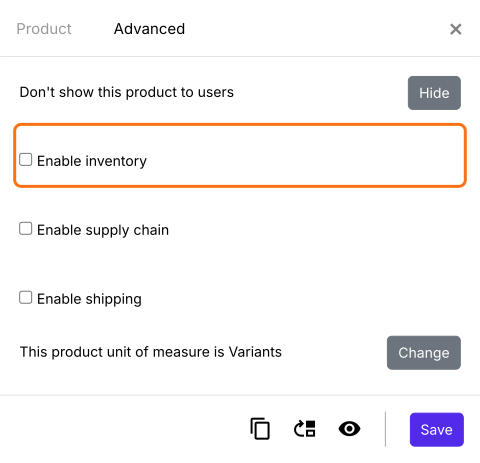
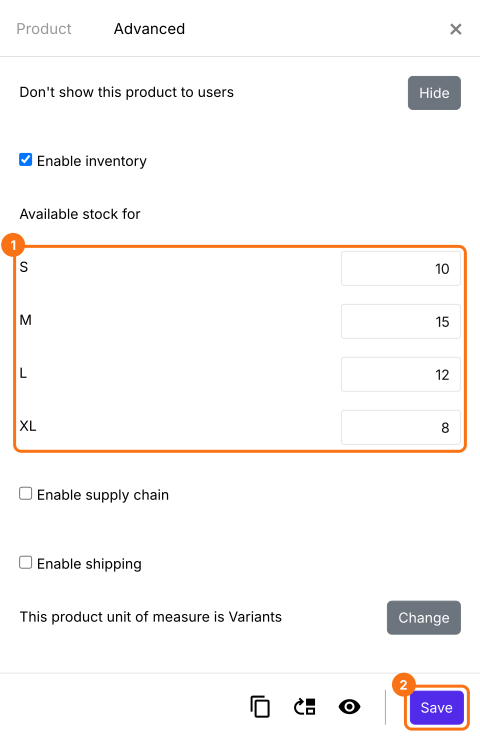
Say you have 10 jars of jam and an 11th order comes in. Google Forms keeps taking orders for an item after you've sold out. It can't count down what is left, so you watch the responses, close the form by hand or write to a customer to say sorry. In Neartail, you turn on inventory for a product and enter how many you have. Each order takes its quantity off the stock, and when the stock reaches zero the product moves to an Out of stock list, so nobody can order it. This works for products sold by quantity, by weight or with variants, where each variant has its own stock.
Let's start. Create your order form and follow the steps below.
How to set the stock of a product?
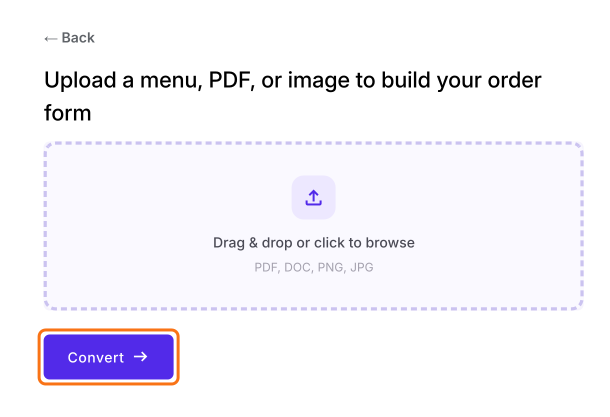
- On the page that opens, upload your menu, a PDF or an image and click Next. If you don't have one, click the back arrow, then "Or, tell us your requirement". Type your form's name under "Name your form to build it" and click Next. When it shows the outline, click Next again.
- When it says "Your order form is ready!", click Preview your form. Your form opens in a new browser tab.
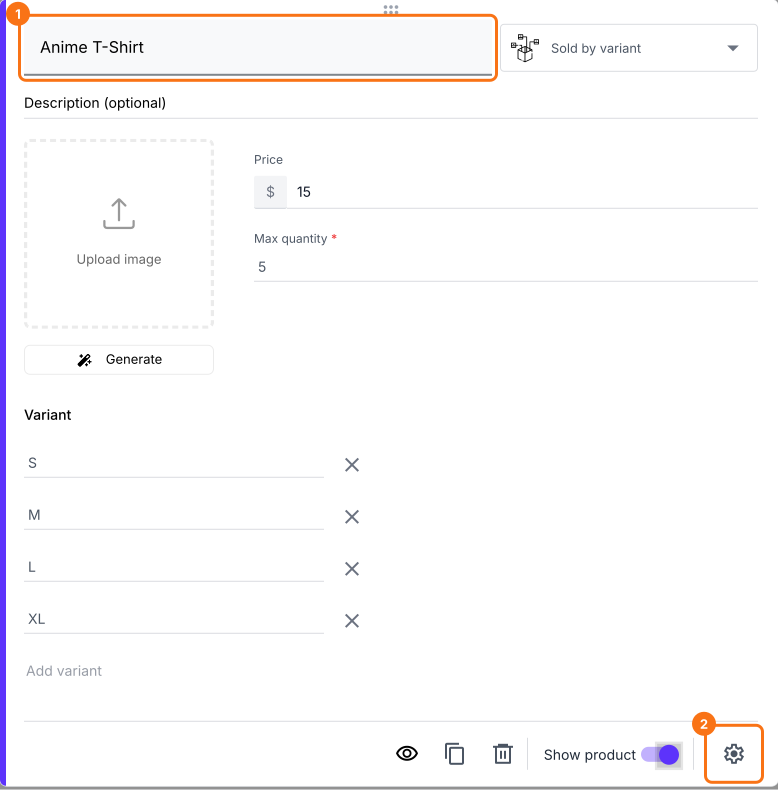
- Back on this page, click Edit form under MANAGE. The editor opens in a new browser tab.

Summary
Set each product's stock on your order form.
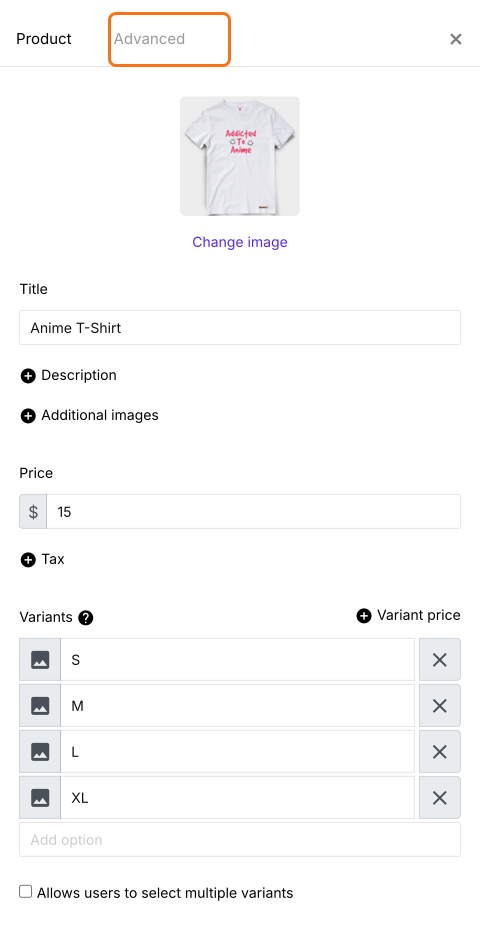
Upload your menu and check Enable inventory in a product's Advanced settings. Each order counts down the stock and a product at zero moves to Out of stock.