Collect multiple signatures in Google Forms
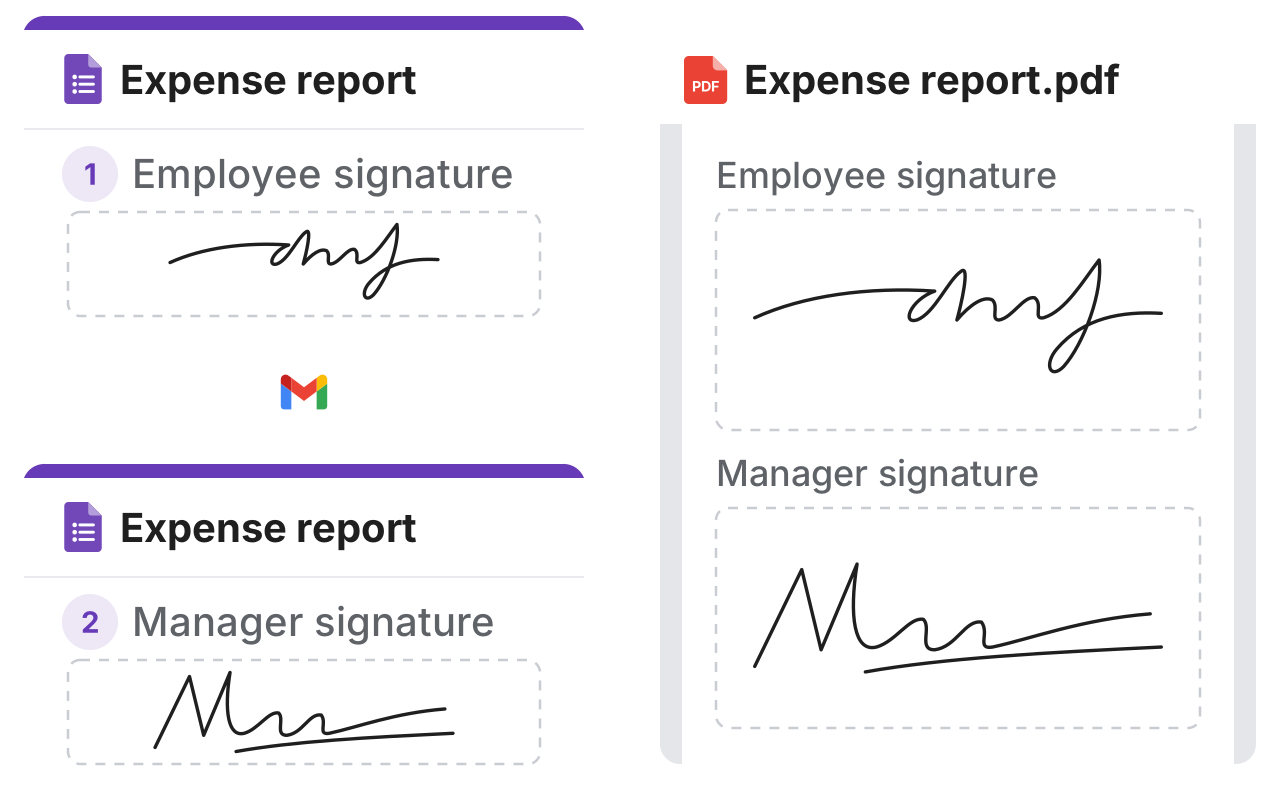
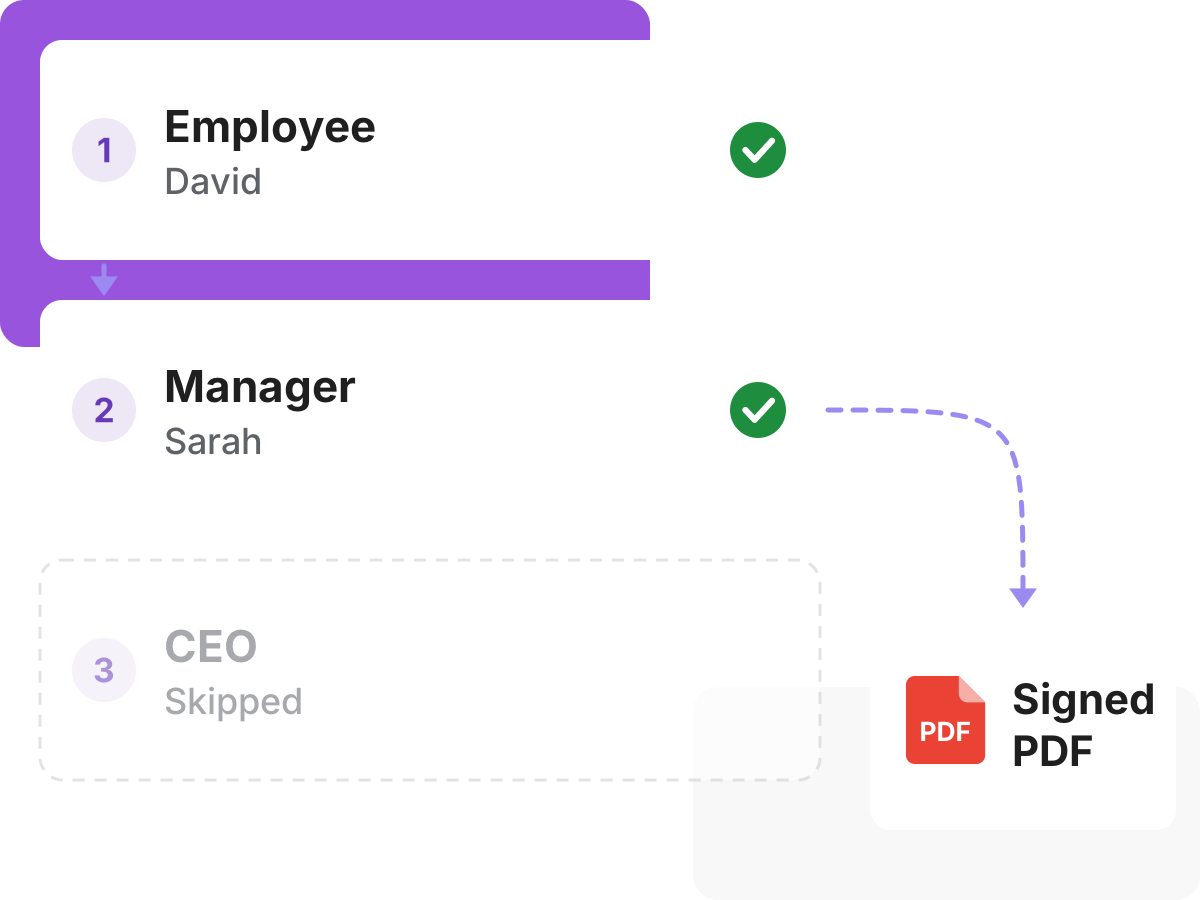
An expense report signed by the employee, a dashed line through the Gmail logo to the same report signed by the manager, and a dashed line to the signed PDF with both signatures

Why us?

It's hard to keep track of a request that moves by email. Formesign sends each request to the right person, in the right order, and shows who still has to sign.
Stop forwarding forms by email

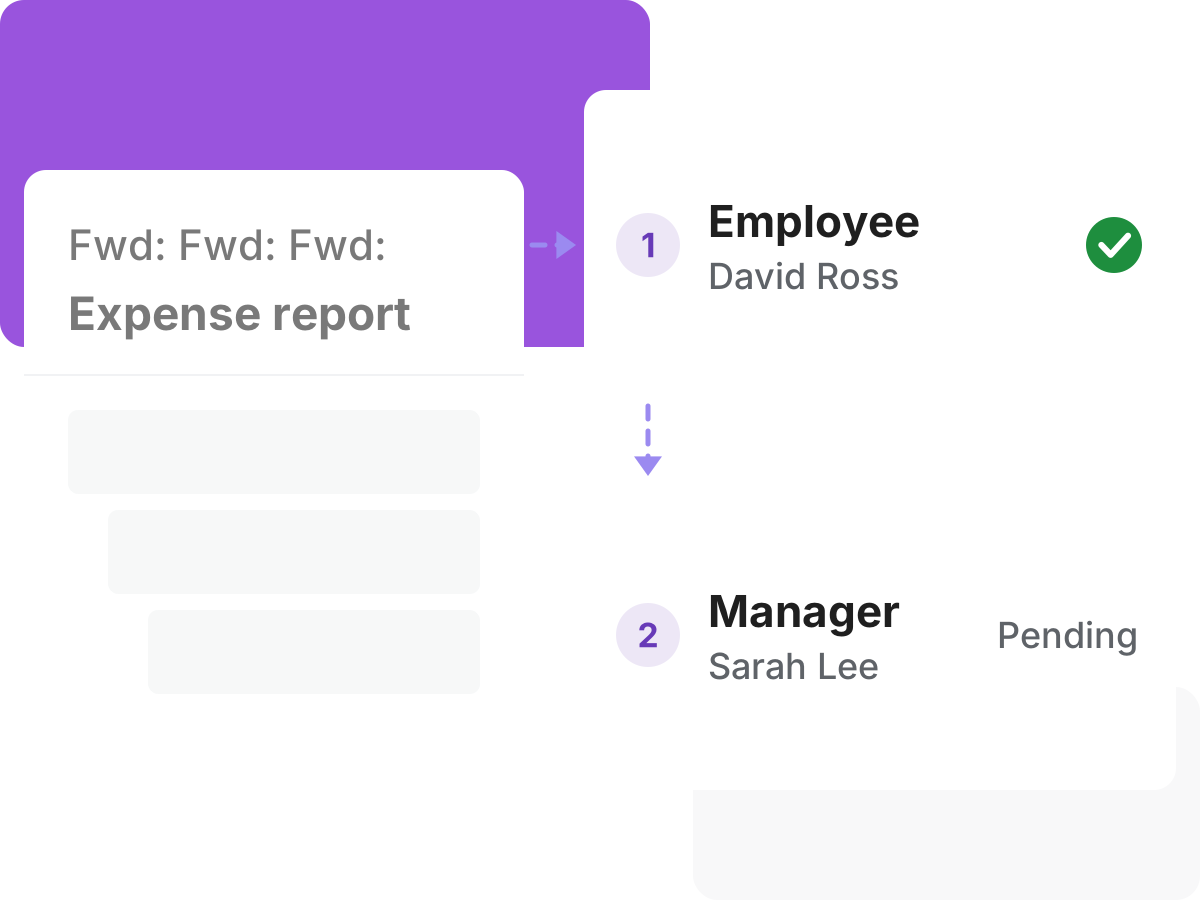
Google Forms can't send a form to the next approver, and the usual answer is a custom script. Set the signing order once, and each request goes to the next person.

Stop forwarding forms by email
Let people choose who approves

Let people choose who approves

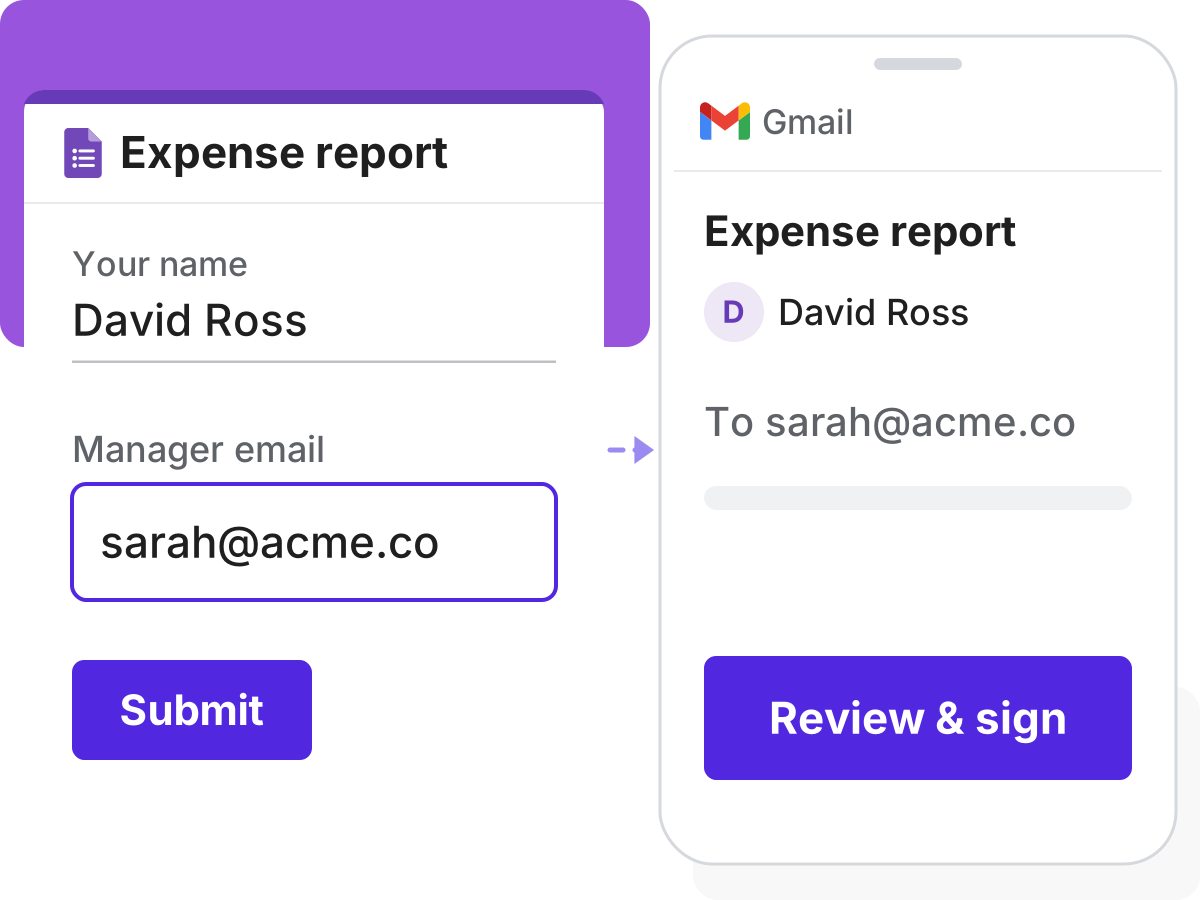
The approver isn't always the same person. Let the person filling the form enter their manager's email, and the request goes there.

Skip a signer on small requests

Not every request needs every signature. Make that signer optional, and they are skipped when nobody enters their email.

Skip a signer on small requests
Let people sign together

Let people sign together

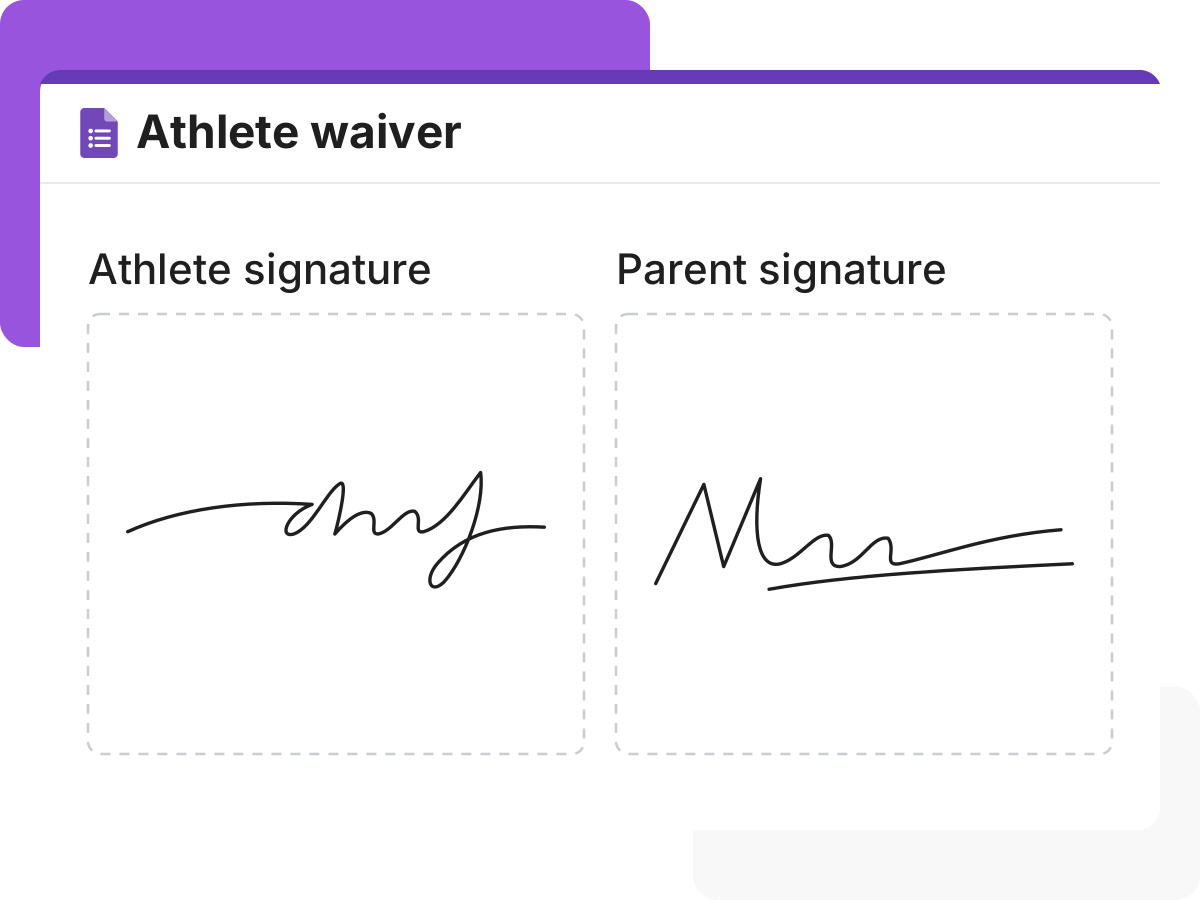
A parent and an athlete may both need to sign the same waiver. Add a signature field for each, and they sign together on one device.

Give each signer their own part

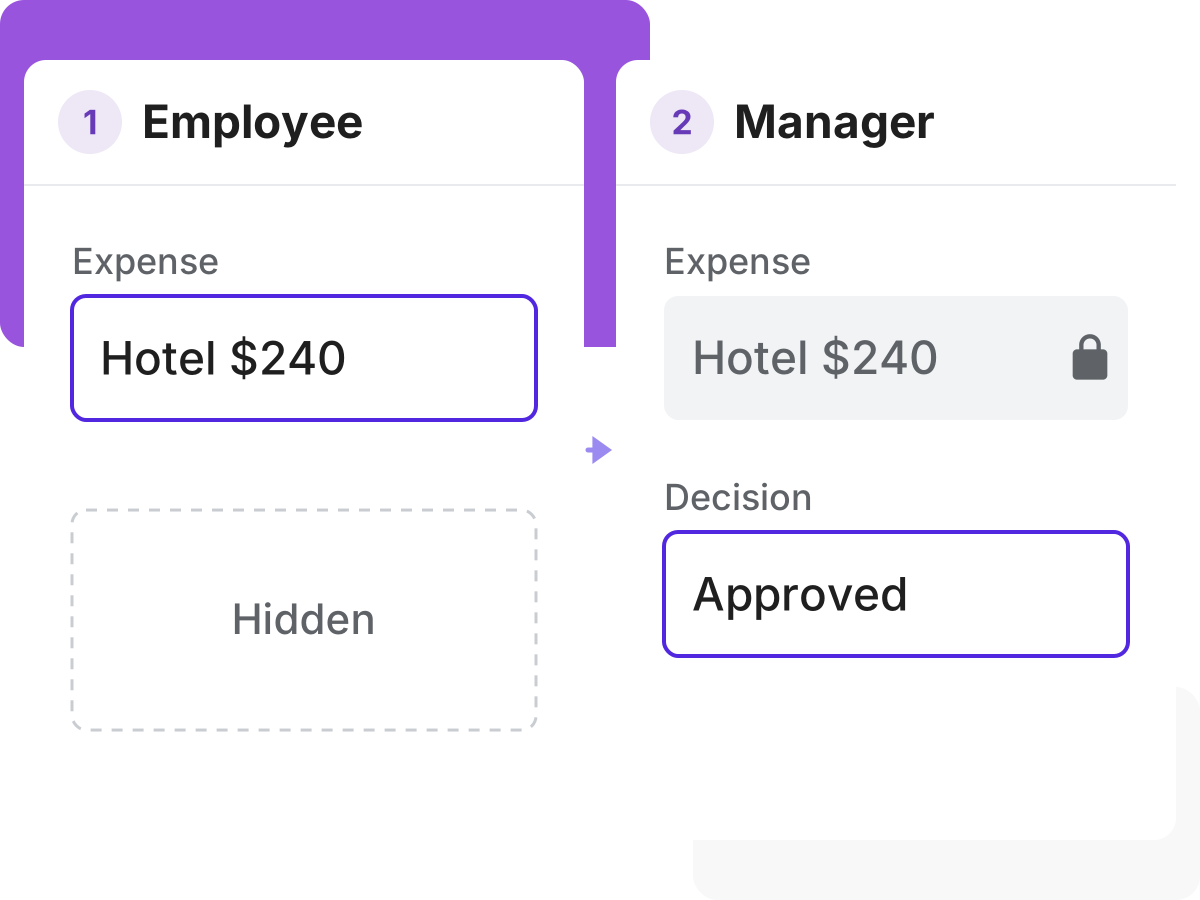
Not everyone should change every section. Put questions in a signer's block, so only they fill them in and later signers can only read them.

Give each signer their own part
See who hasn't signed yet

See who hasn't signed yet

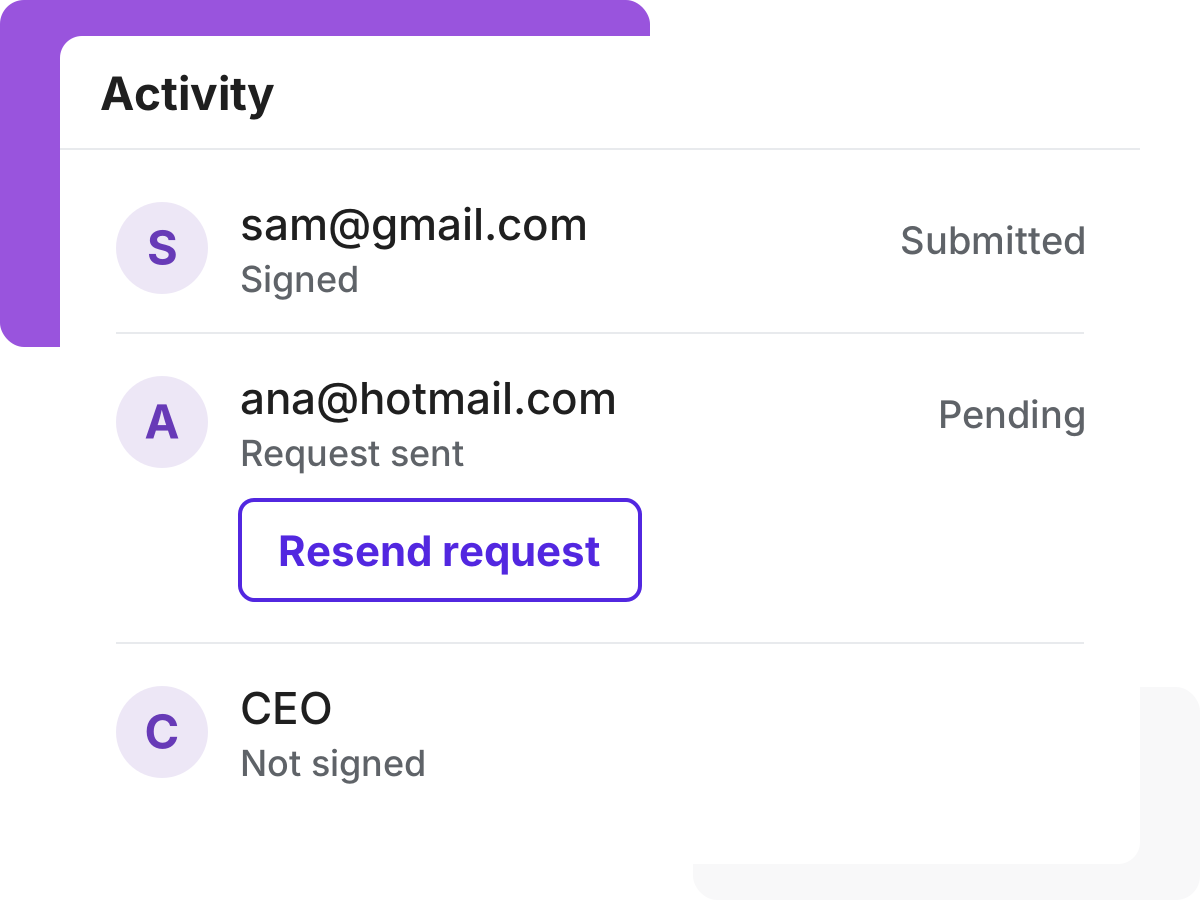
A long email chain won't show who still has to sign. See each step as it happens, and remind the person whose turn it is.

Get the signed PDF in your Drive

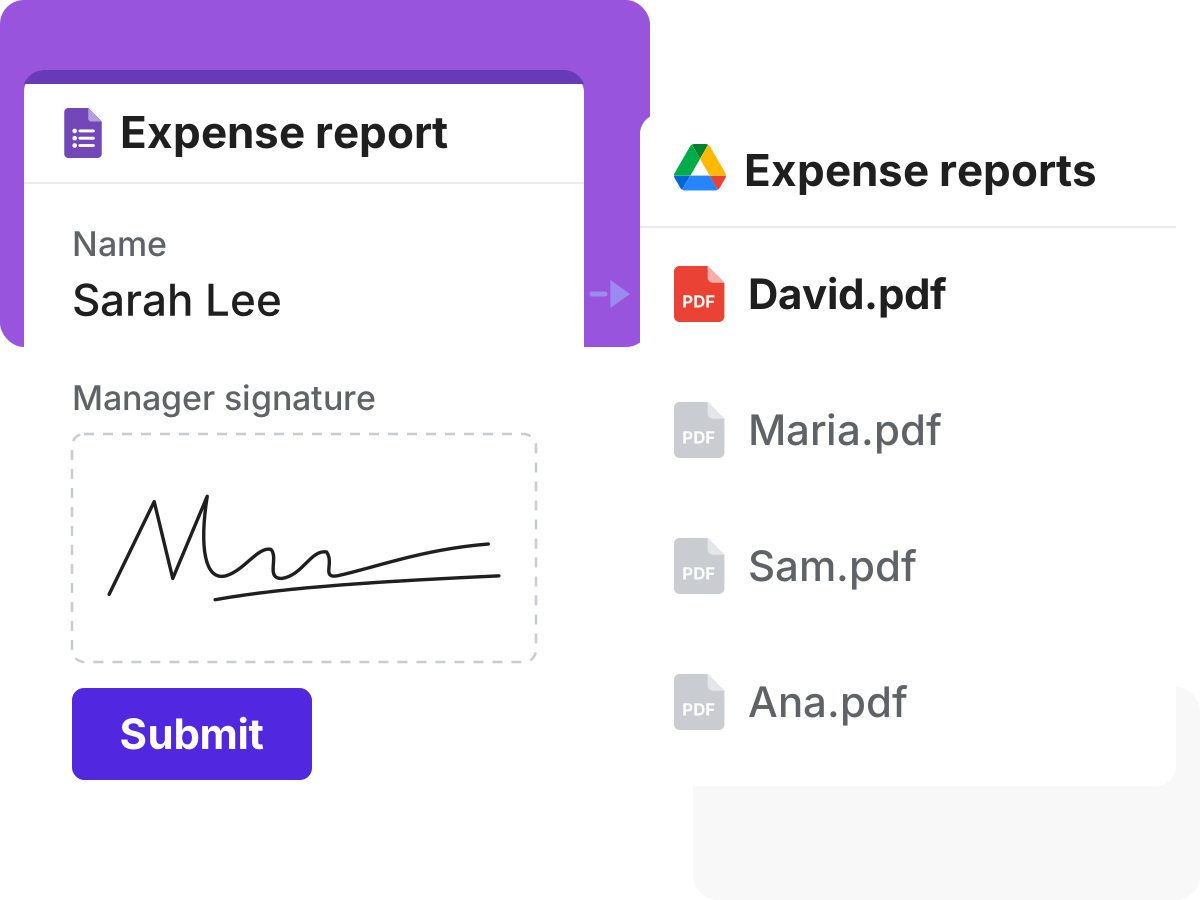
You want the finished approval saved without doing it by hand. When the last person signs, a signed PDF goes to your Google Drive folder.

Get the signed PDF in your Drive

Customers love us

Royal Bush

I am 100% a fan of this company. We use HIPAA compliant Google Forms and needed a way to collect signatures, the industry standard company is TOO expensive. I started using Formesign and it worked perfectly. It lacked the ability to provide a pdf copy of the form after signature. This company worked with me help their product evolve into something that could benefit all future clients AND the end user.

Sol Evans

I am not tech savvy. I chose formesign to help create registration links for clients. My company now has moved from the stone age to modern age through the ability to use this feature. Of the many features I am impressed with, the ability to update a form without needing to regenerate a link is amazing. I often make mistakes and that ability allows me to fix mistakes without needing to change everything. Thank you!!!

Miquel Faro Palau

We found in Formesign a perfect solution to collect a big amount of signatures for consent forms in a short amount of time. Our experience was great and the support team was really helpful.



From healthcare to construction.
500+ organizations trust us.

Approval Workflow For Multiple Signatures