如何根據使用者輸入的出生日期計算年齡?
會員、入學和報名表單除了出生日期,通常還需要年齡。Google Forms 可以收集日期,但無法算出年齡,所以您要嘛兩個都問,結果拿到和日期對不上的年齡,要嘛之後再到試算表裡計算。使用 Formfacade,您在 Age 問題的 Calculate 選項寫入 TODAY 和 DIFF 公式,只要有人輸入出生日期,表單就會顯示年齡。年齡會隨回應一起儲存,所以同步到 Google Sheets 時就已經在那裡了。
建立您的表單,並依照下列步驟操作。
計算年齡的步驟
- 在開啟的頁面中為表單命名,點選 Build form,再點選 Proceed。
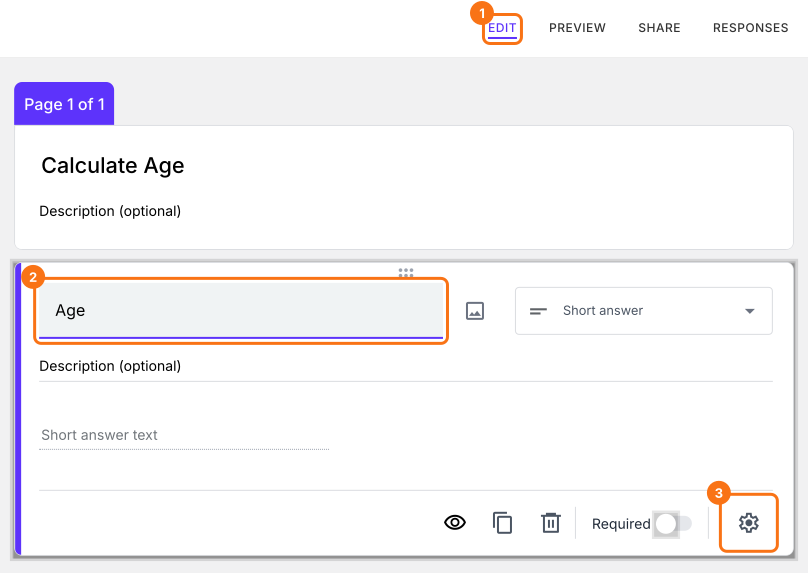
- 點選「Edit」分頁。

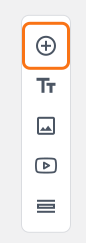
- 點選右側工具列中的 + 圖示 (Add field)。
- 輸入「Date of birth」作為問題,並在問題類型清單中選擇 Date。
- 再次點選 + 圖示。
- 輸入「Age」作為問題。它預設就是 Short answer。
點選 Age 問題右下角的 ⚙️ 圖示。
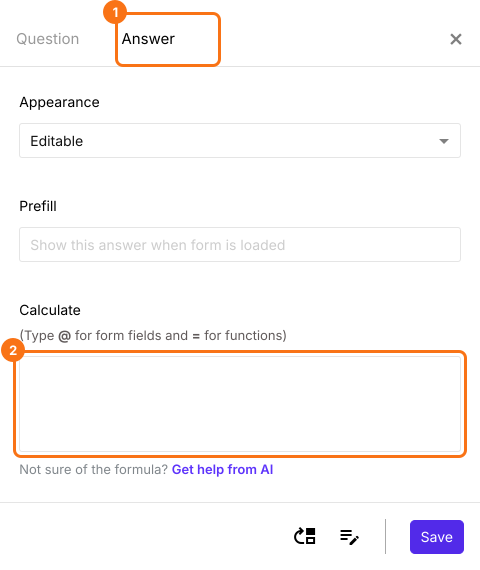
選擇「Answer」分頁。
使用 DIFF 和 TODAY 函數計算年齡
Diff 函數會計算兩個日期或日期 & 時間問題之間相差的秒數、分鐘數、小時數、天數、月數或年數。因為我們要計算年齡,所以會使用 years 作為單位。
TODAY().diff(date_of_birth, "years")
注意:若要輸入 date_of_birth,請在 Calculate 選項中輸入 @,然後從清單中選擇出生日期問題。
如下所示,在年齡問題的 Calculate 選項中寫入公式。點選 Save。
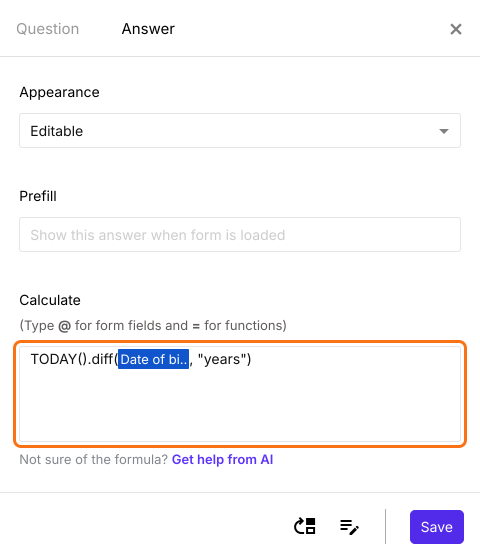
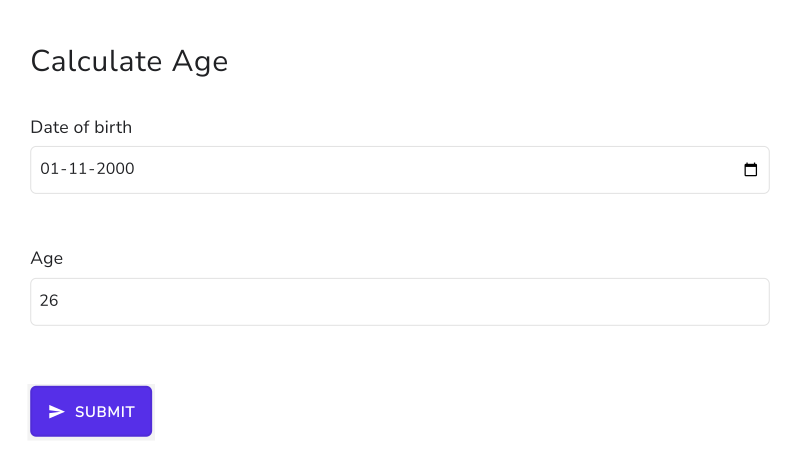
使用者一輸入出生日期,表單就會顯示年齡。
摘要
最後更新: