Legally binding signature in Google Workspace

Every signed form timestamped, stored and audit-ready
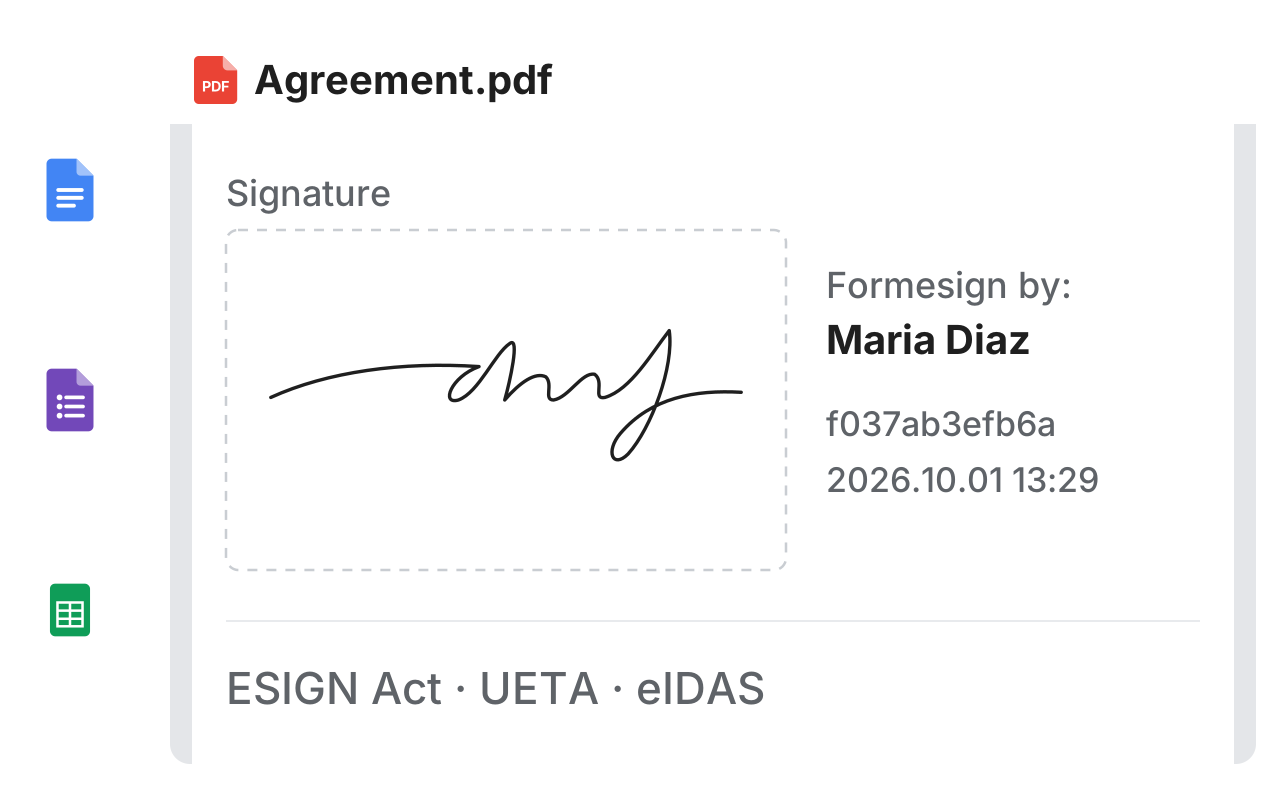
The Google Docs, Forms and Sheets logos with dashed lines into a signed PDF with a large signature, the stamp saying who signed and when, and the names ESIGN Act, UETA and eIDAS

Why us?

Describe what you need or upload a PDF, Google Forms, Google Docs, or Google Sheets. Our AI creates the signature form in seconds. Built for Google Workspace teams who need compliant e-signatures without the complexity.

On Google Workspace Marketplace
4.6 stars
SOC 2 Type II Certified
Trusted by 500+ businesses

Our products

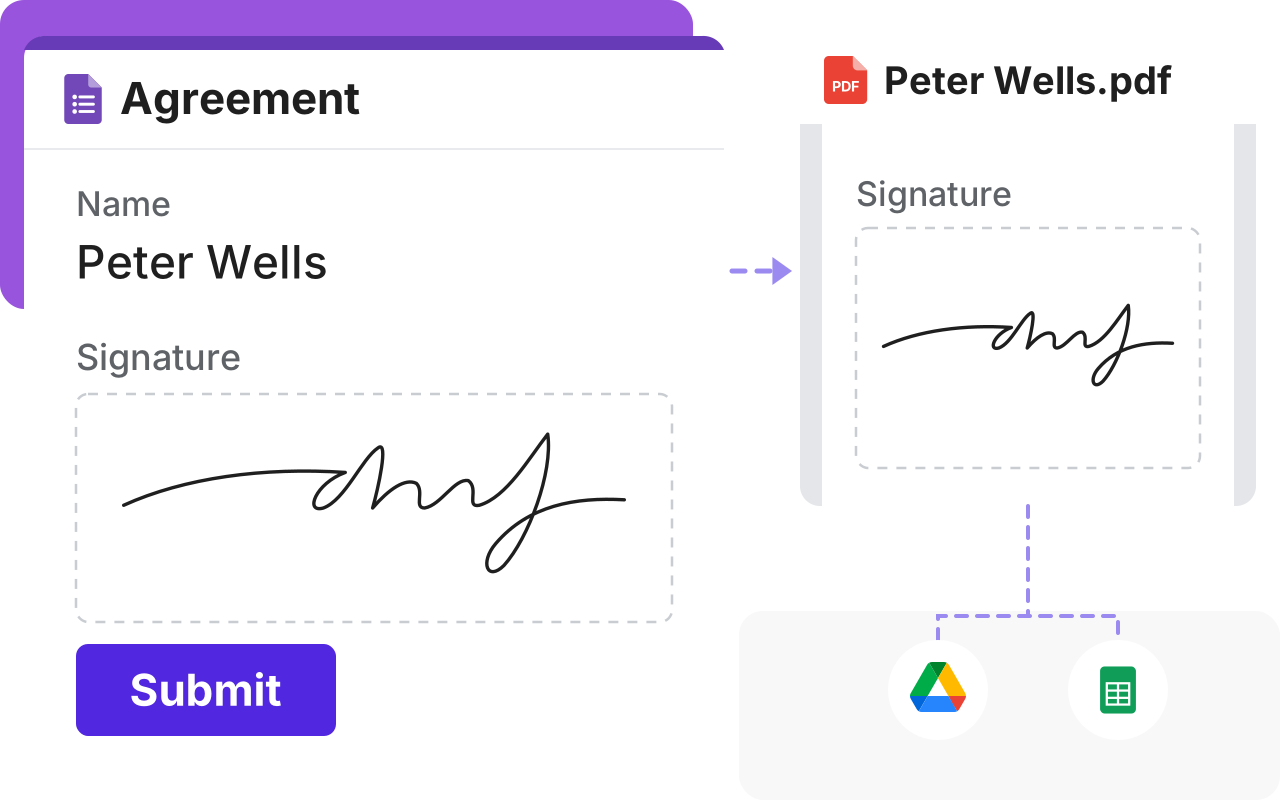
Collect signature in Google Forms

Google Forms has no signature question, so people often print, sign and scan. Add one and they sign on any phone or computer, with no Google account if you choose.

A Google Form with a name, a large signature box with a real signature and Submit, and a dashed line to the signed PDF with the same signature, which goes on by dashed lines to Google Drive and Google Sheets
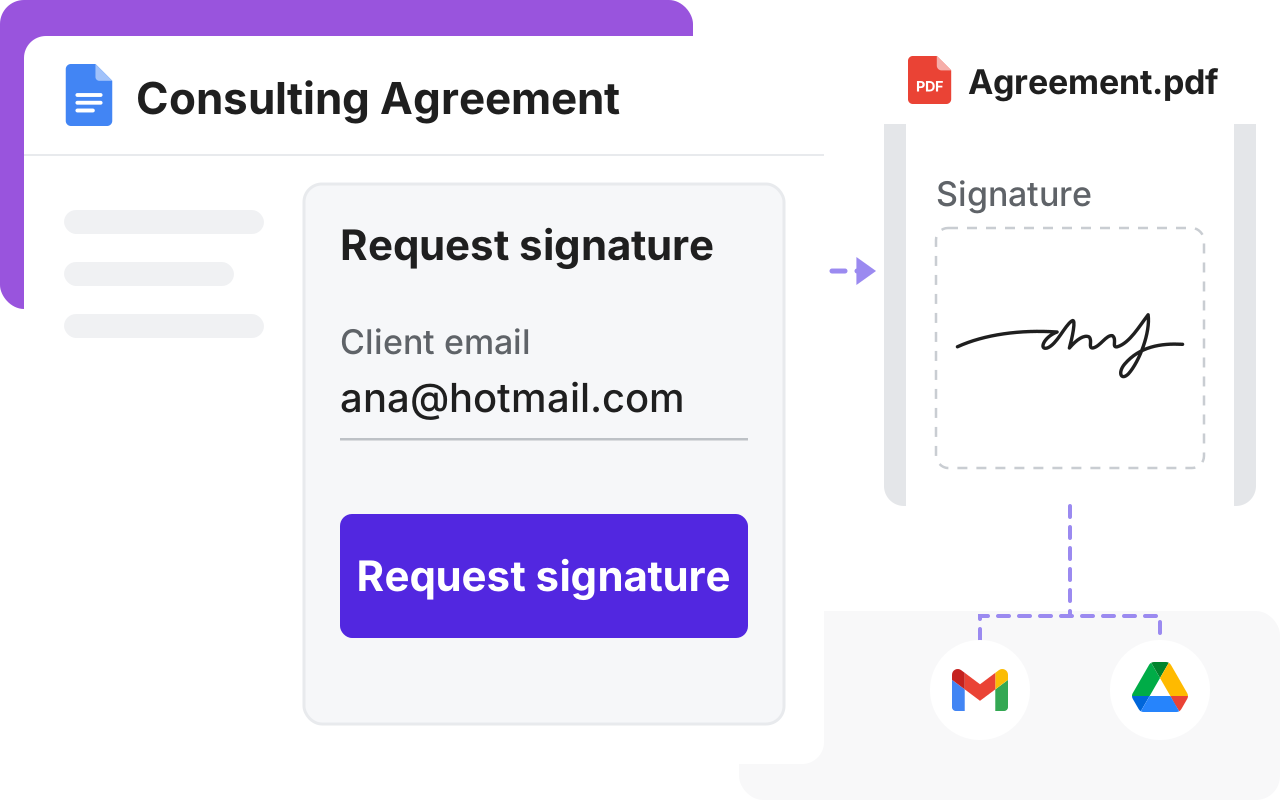
A Consulting Agreement in Google Docs with a Request signature panel, and a dashed line to the signed PDF with a large signature, which goes on by dashed lines to Gmail and Google Drive

Collect signatures in Google Docs

Google's eSignature only works on some Workspace plans and nonprofits often can't find it. Formesign works with any Google account, so you can send your Doc today.

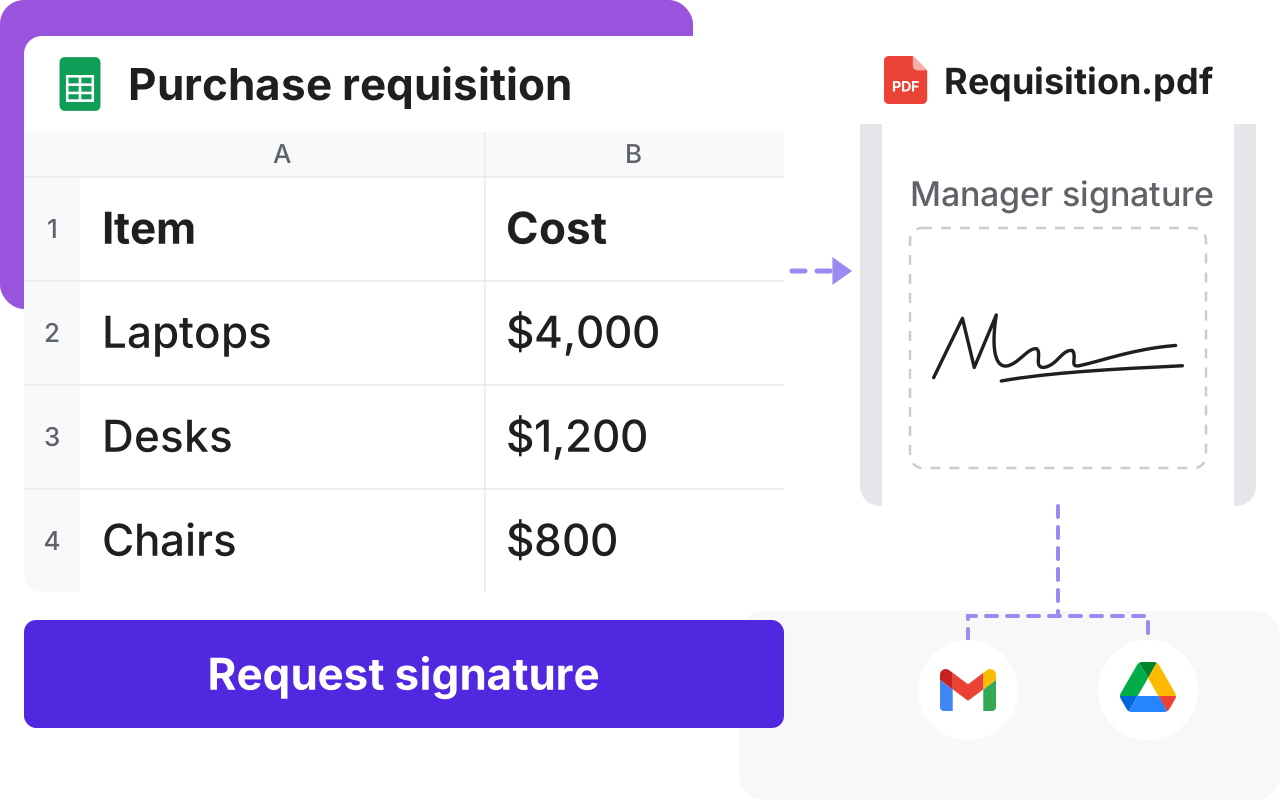
Collect signature in Google Sheets

Google Sheets has no place to sign. Ask for signatures from your Google Sheet and everyone signs online.

A purchase requisition in Google Sheets with three items and a Request signature button, and a dashed line to the signed PDF with the manager's signature, which goes on by dashed lines to Gmail and Google Drive
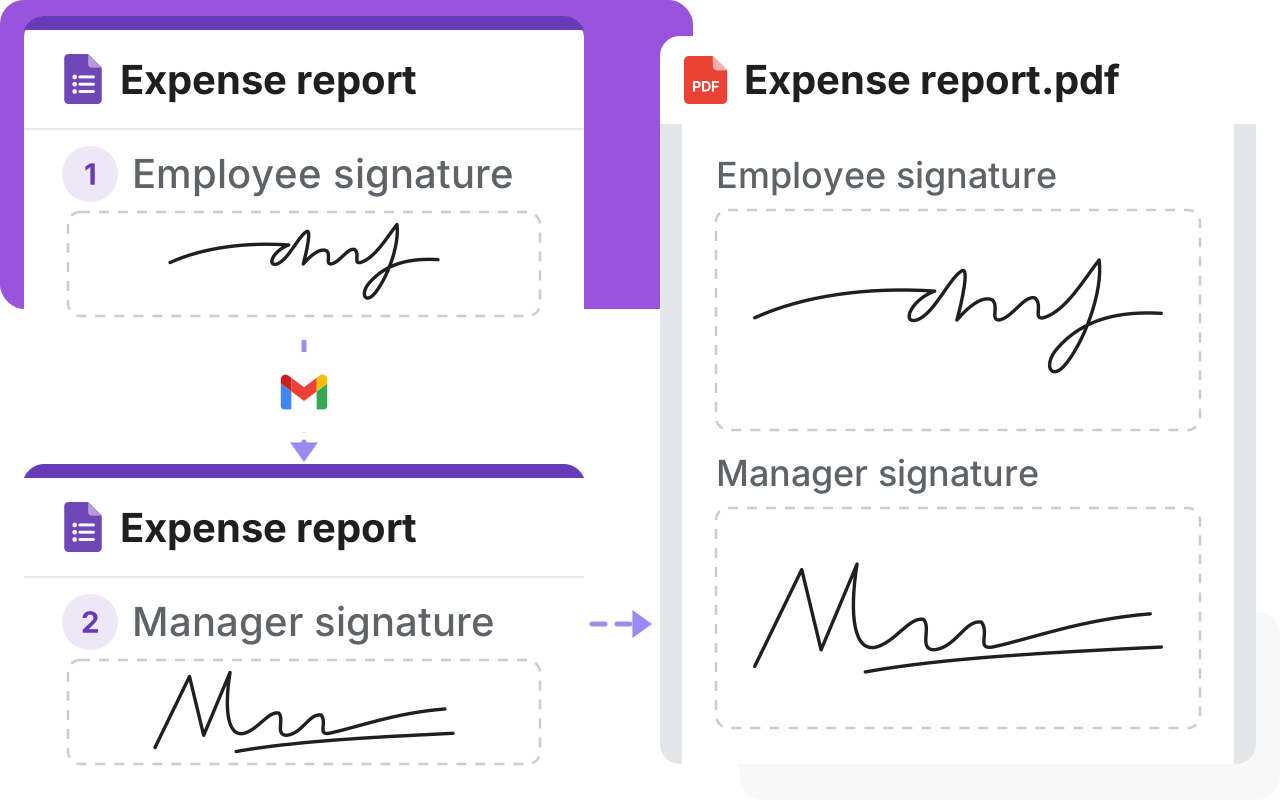
An expense report signed by the employee, a dashed line through the Gmail logo to the same report signed by the manager, and a dashed line to the signed PDF with both signatures

Collect multiple signatures in Google Forms

Google Forms can't send a form to the next approver and the usual answer is a custom script. Set the signing order once and each request goes to the next person.

Our solutions

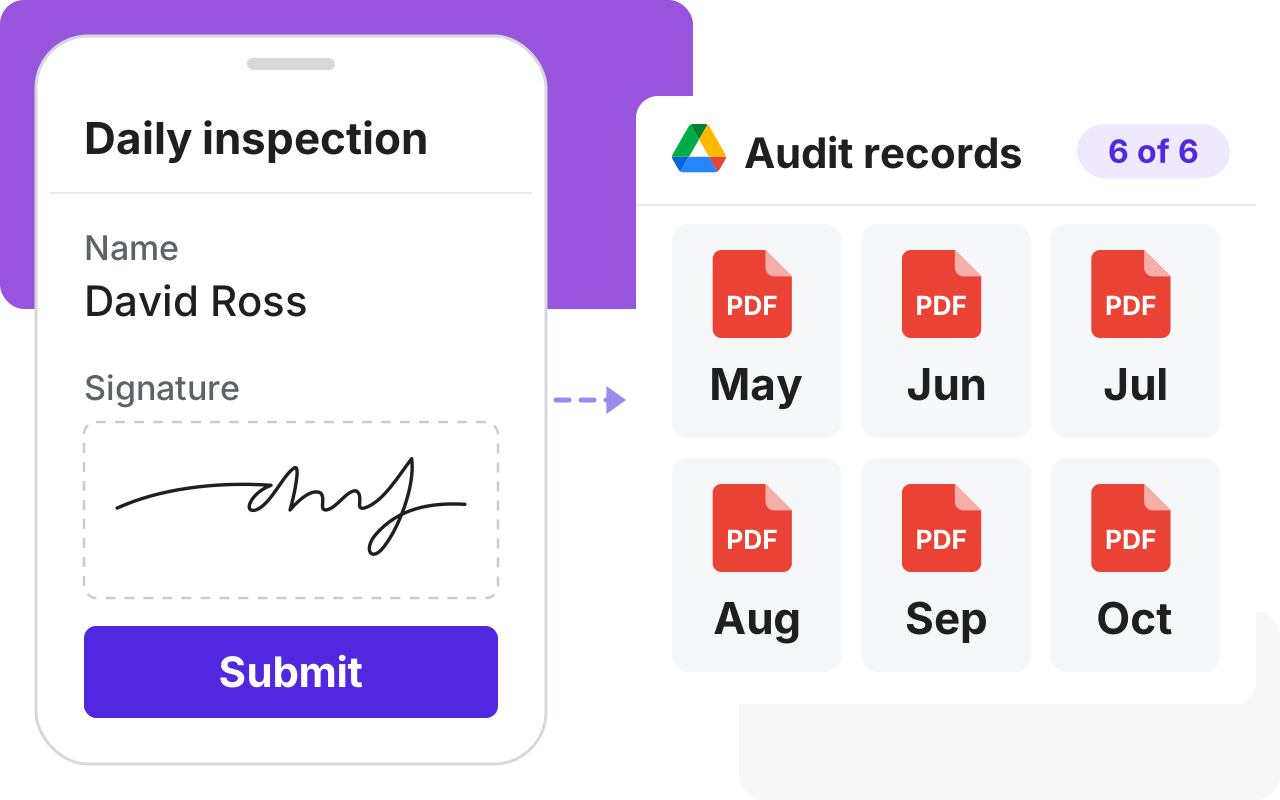
Collect safety forms in Google Forms

Paper safety forms get lost just when an auditor asks for them. Workers sign on their phone and each signed PDF goes to your Google Drive, so you can find any month's records.

A daily inspection signed on a phone, with a dashed line to Audit records in Google Drive, May to October, with a PDF found for every month and 6 of 6
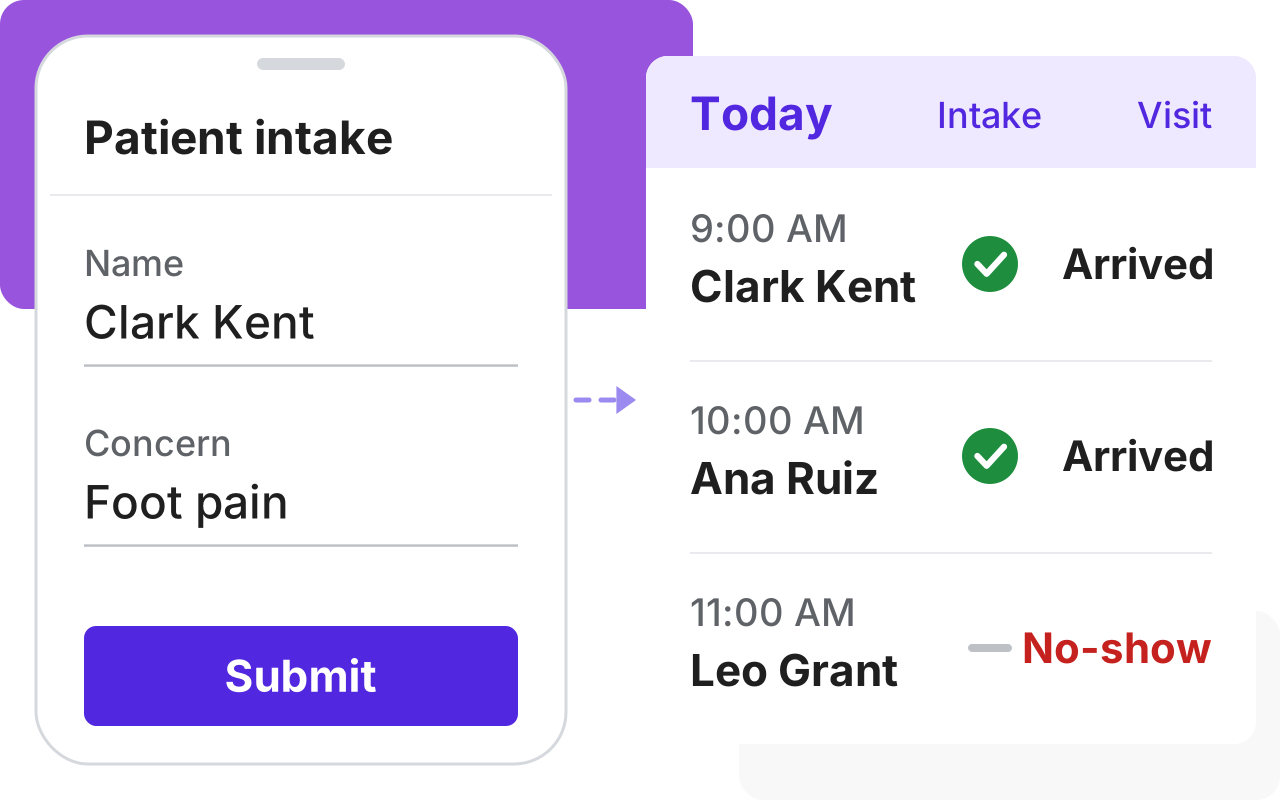
A patient's phone with an intake form and Submit, and a dashed line to today's visits: Clark Kent and Ana Ruiz did intake and arrived, and Leo Grant, who did not, is a no-show

Collect patient intake forms before the visit

A patient who arrives without paperwork uses up the appointment. Some don't come at all. Send the intake form before the visit and see who has filled it in.

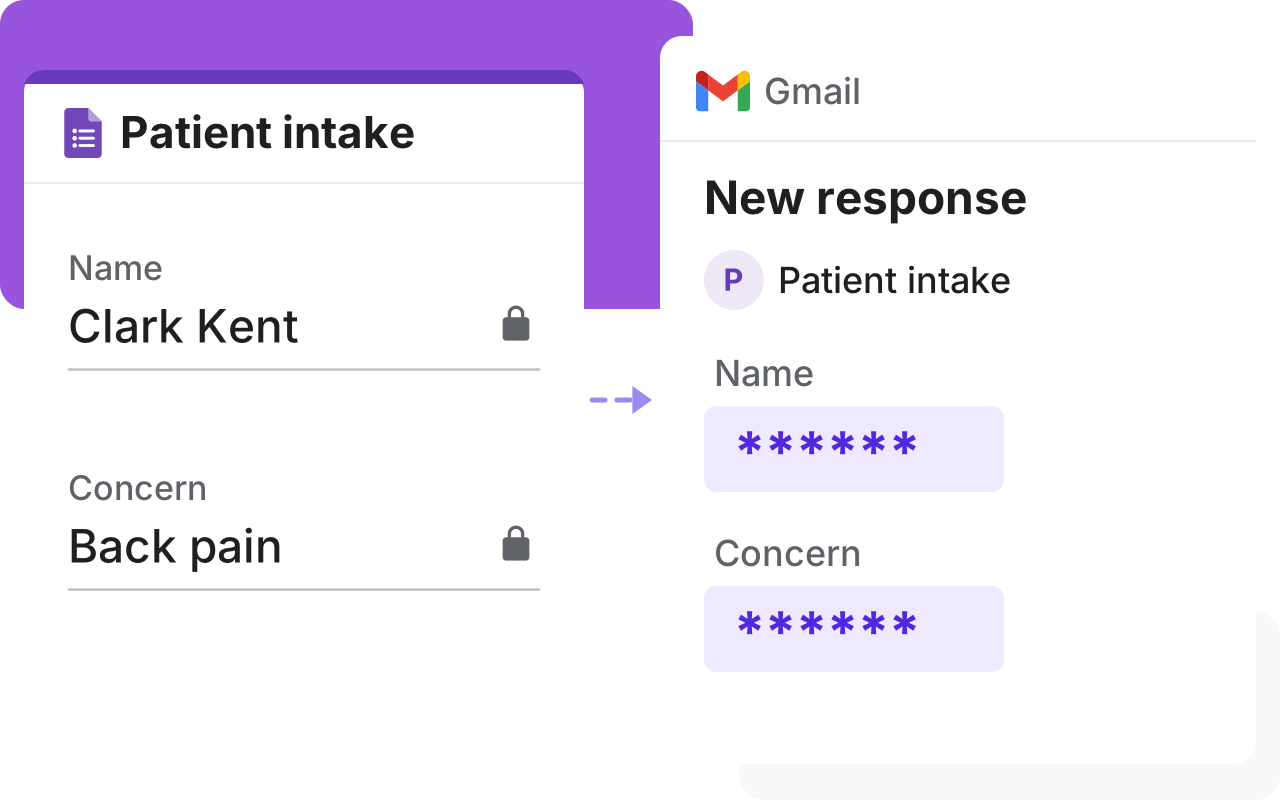
Make your Google Forms HIPAA compliant

A form response sent by email can expose patient details by accident. Mark fields in Google Forms as PHI and we'll automatically mask them in emails and Google Sheets.

A Patient intake form with the name and concern marked with locks, and a dashed line to a Gmail message where those two answers show as stars

Customers love us

Royal Bush

I am 100% a fan of this company. We use HIPAA compliant Google Forms and needed a way to collect signatures, the industry standard company is TOO expensive. I started using Formesign and it worked perfectly. It lacked the ability to provide a pdf copy of the form after signature. This company worked with me help their product evolve into something that could benefit all future clients AND the end user.

Sol Evans

I am not tech savvy. I chose formesign to help create registration links for clients. My company now has moved from the stone age to modern age through the ability to use this feature. Of the many features I am impressed with, the ability to update a form without needing to regenerate a link is amazing. I often make mistakes and that ability allows me to fix mistakes without needing to change everything. Thank you!!!

Miquel Faro Palau

We found in Formesign a perfect solution to collect a big amount of signatures for consent forms in a short amount of time. Our experience was great and the support team was really helpful.



From healthcare to construction.

500+ organizations trust us.

Make Your Google Forms Compliant