How to let people sign a Google Doc without a Google account?
"they cannot open documents without signing up for gmail"- Google Docs Editors Community
This is a common problem with signing Google Docs, and 28 people on Google's forum have reported it. If you have a photo release in Google Docs that people outside your organization have to sign before Saturday's event, some of them use hotmail.com, and Google's eSignature can ask them to get a Google account first. Many won't make one just to sign, so the Doc sits unsigned and you go back to printing it.
In this article, we will show you how to let someone on Hotmail open your link and sign your Doc, with no Google account and no sign-in.
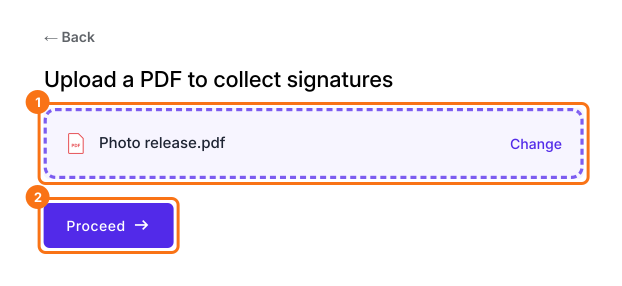
1. Upload your Doc as a PDF
In Google Docs, click File, Download, then PDF Document. Click Upload a PDF, add your photo release and click Proceed.
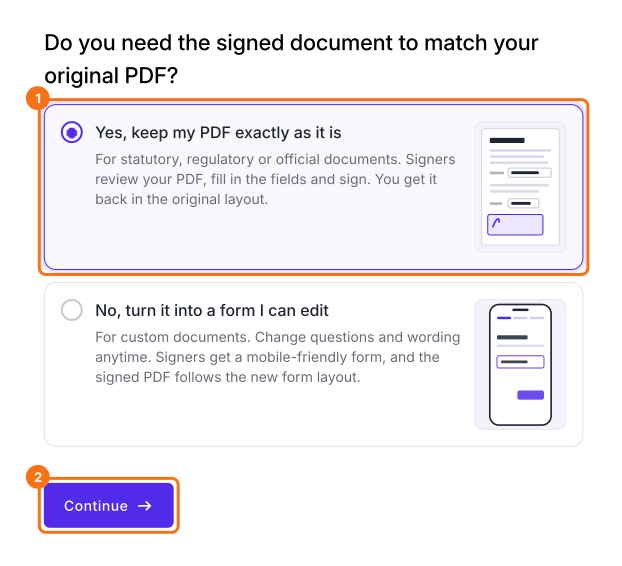
2. Keep your layout
Choose Yes, keep my PDF exactly as it is and click Continue. Formesign puts boxes on the blanks and the signature line, so check them.
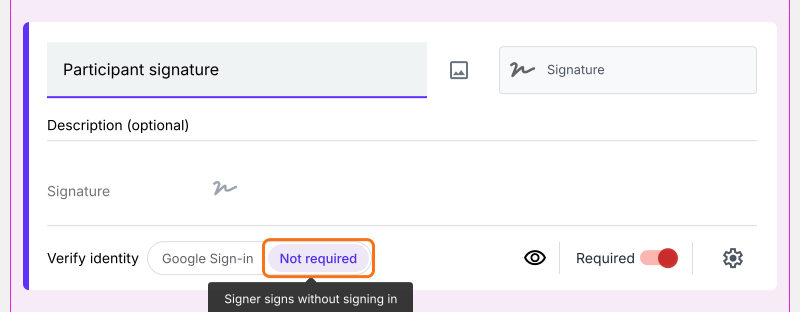
3. Turn off sign-in
Open the FORM tab and click the signature field. Next to Verify identity, click Not required.
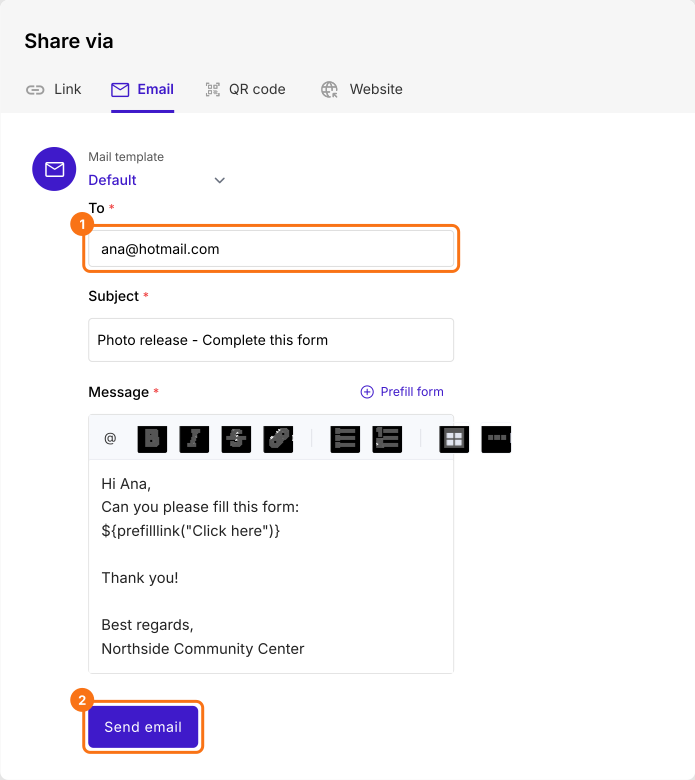
4. Send the link to anyone
Open SHARE, then Email. Type the participant's email, Hotmail or anything else, and click Send email.
5. They sign without signing in
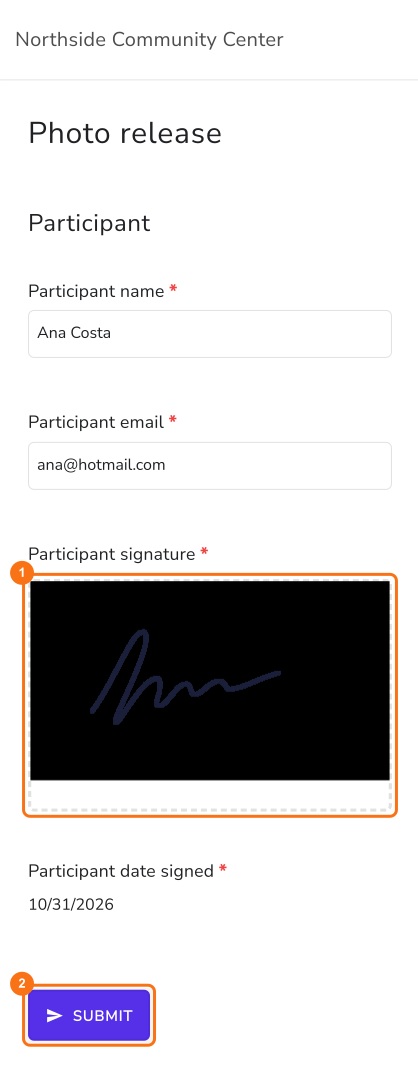
The participant opens your link, fills in their part and draws their signature, and no Google sign-in appears. They click SUBMIT, and the signed PDF shows up in your SIGNED PDF tab.
Summary
If people outside your organization have to sign your Doc, being asked to get a Google account stops many of them, and you go back to printing. With Formesign, you upload the Doc as a PDF and turn off sign-in, so anyone can open your link and sign.
Last updated: